Stores & costing
From supplier to plate, every item accounted for
Purchasing, stock control and recipe costing that work with your restaurant, night audit and ledger. Switch it on when you are ready; each hotel chooses its own purchasing steps, approvals and postings.
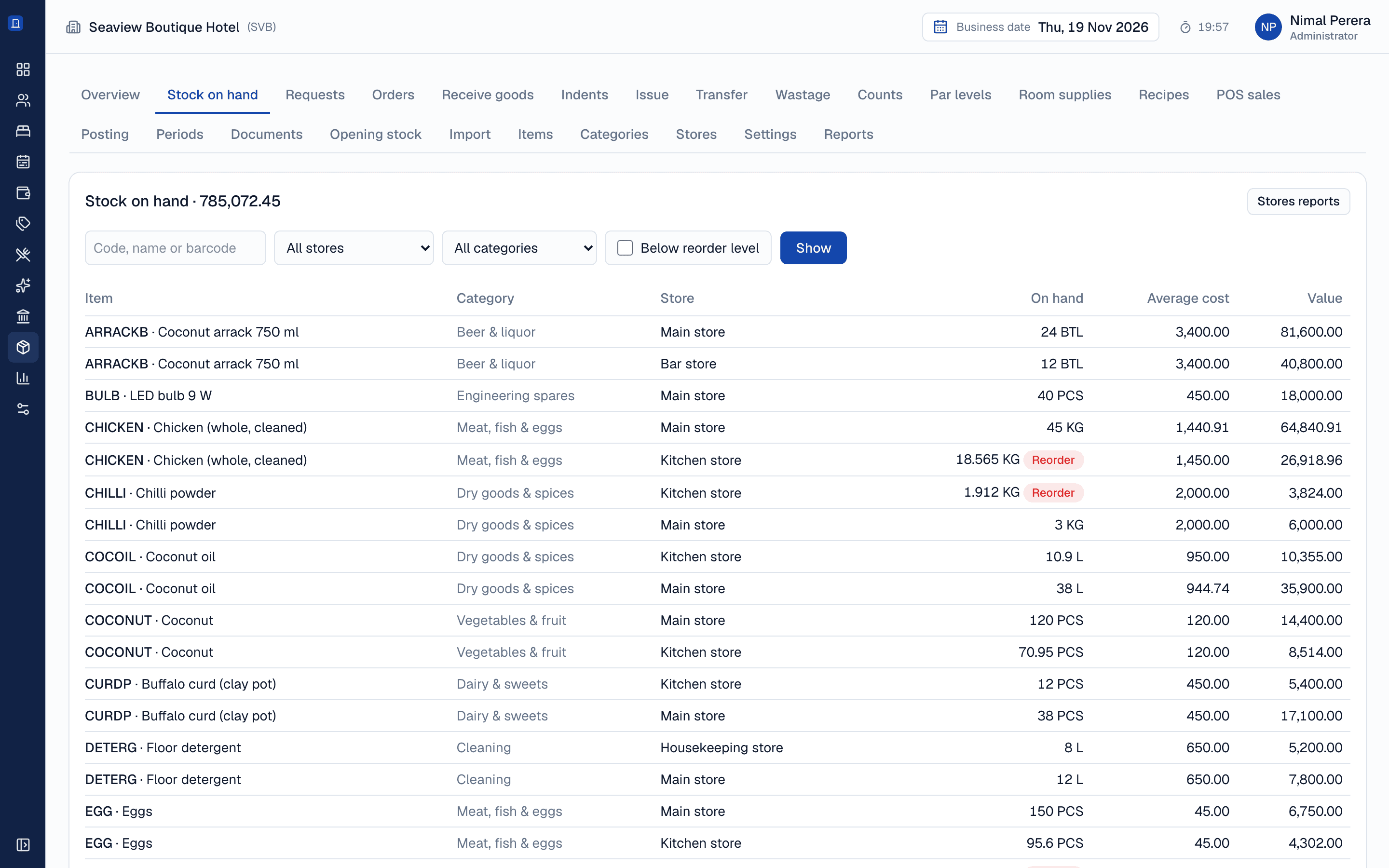
Stock
Know what is on every shelf
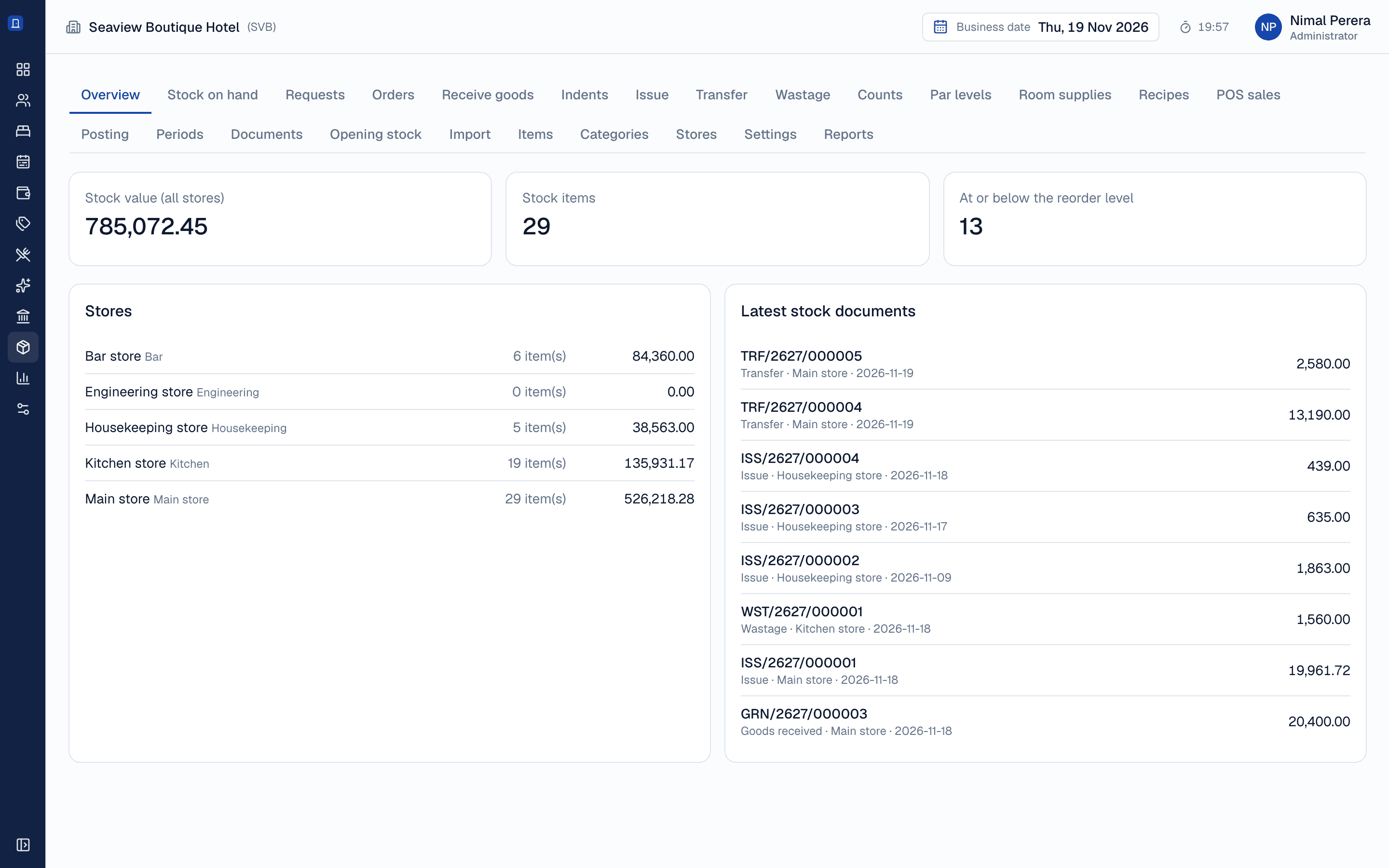
Stock on hand
Quantity, average cost and value by store and category, with reorder flags.
Bin cards
Every movement of an item, with its running balance and value.
Counts
Count on a sheet, scan barcodes and save as you go; differences post as an adjustment.
Par levels
Keep bars and pantries at par: refill transfers only what is short.
Purchasing
Buy with control, receive with proof
Requests and quotations
Departments ask, suppliers quote, and the comparison shows the best offer.
Orders and approvals
Request → order → GRN, order → GRN, or GRN only; approve none, all or above an amount.
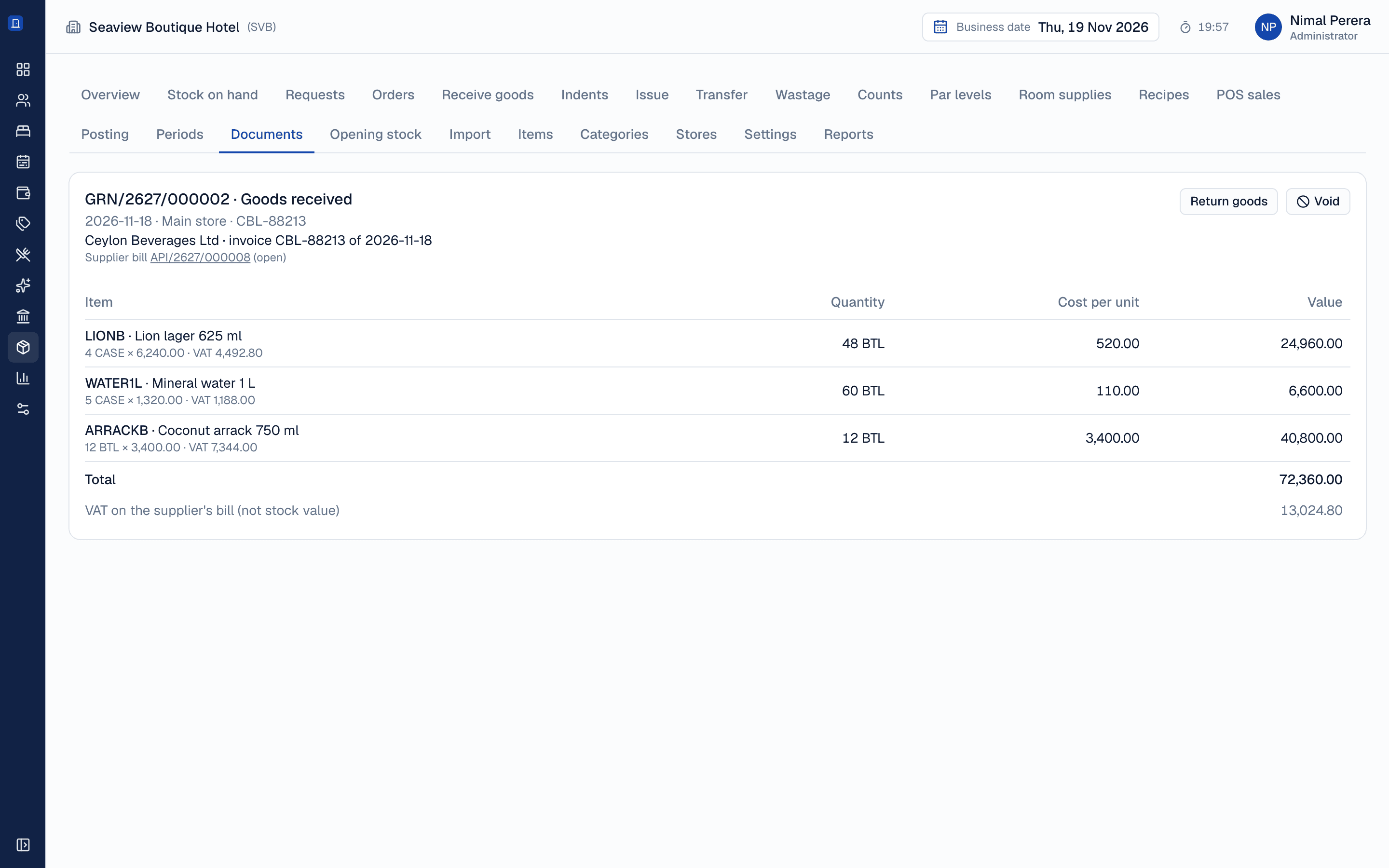
Goods received
Part deliveries, rejections, discount, VAT and use-by dates, with the supplier's bill raised in Payables.
Returns
Send goods back at their received cost, with a debit note on the bill.
Recipes
Food and beverage cost, dish by dish
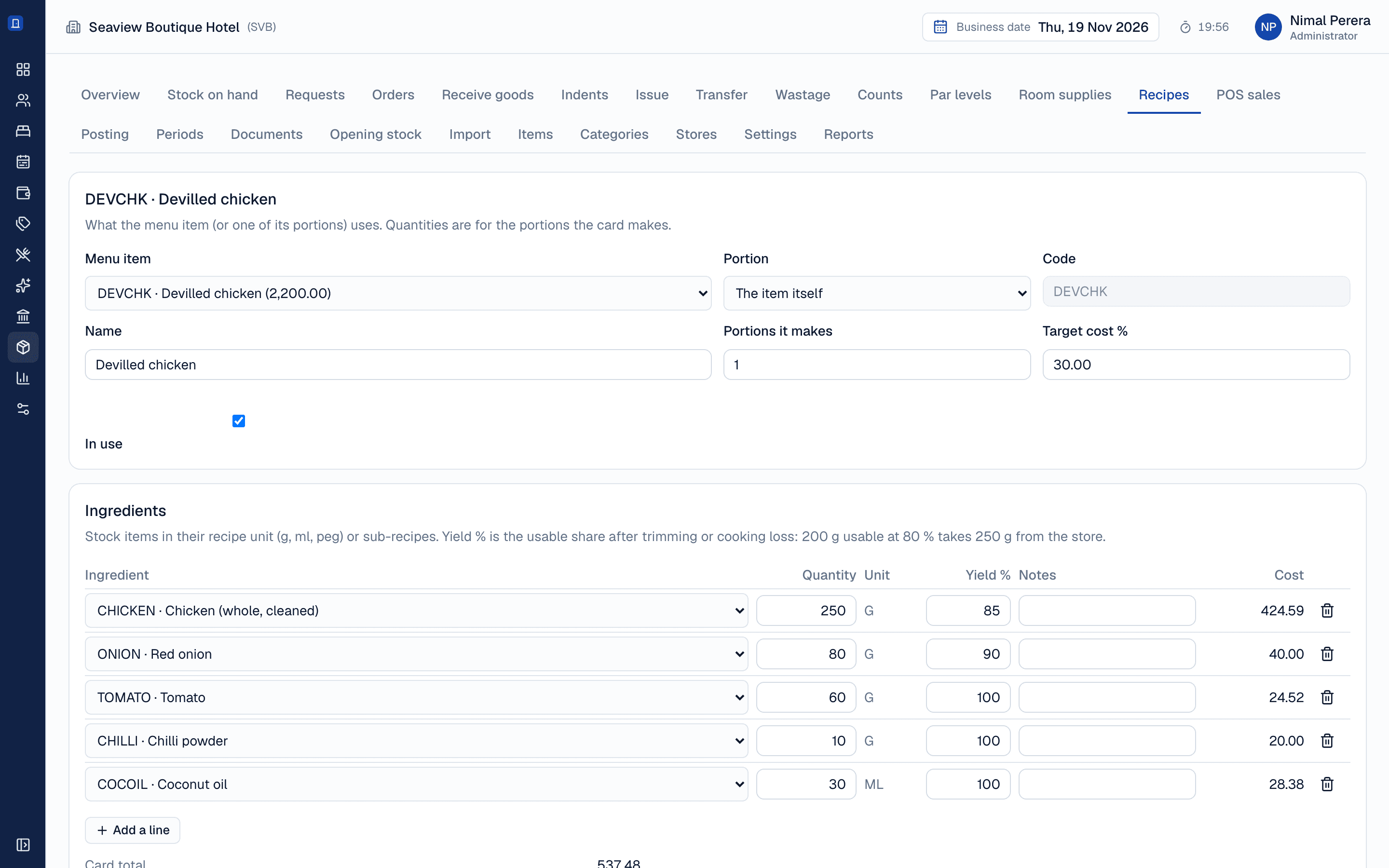
Recipe cards
Ingredients in grams, millilitres or pegs, with yield % and sub-recipes.
Cost % against target
Live cost at average price, and a flag on dishes over their target.
Actual vs theoretical
What sales should have used against what was issued.
Menu engineering
Popularity against margin for every dish.
Control
A month-end that agrees with the books
Consumption by cost centre
Issues, wastage and count differences post to Finance daily or monthly.
Closed months
A closed month takes no stock documents, so its costs and closing stock stay as they are.
Stores vs ledger
A reconciliation of stock value against the inventory accounts.
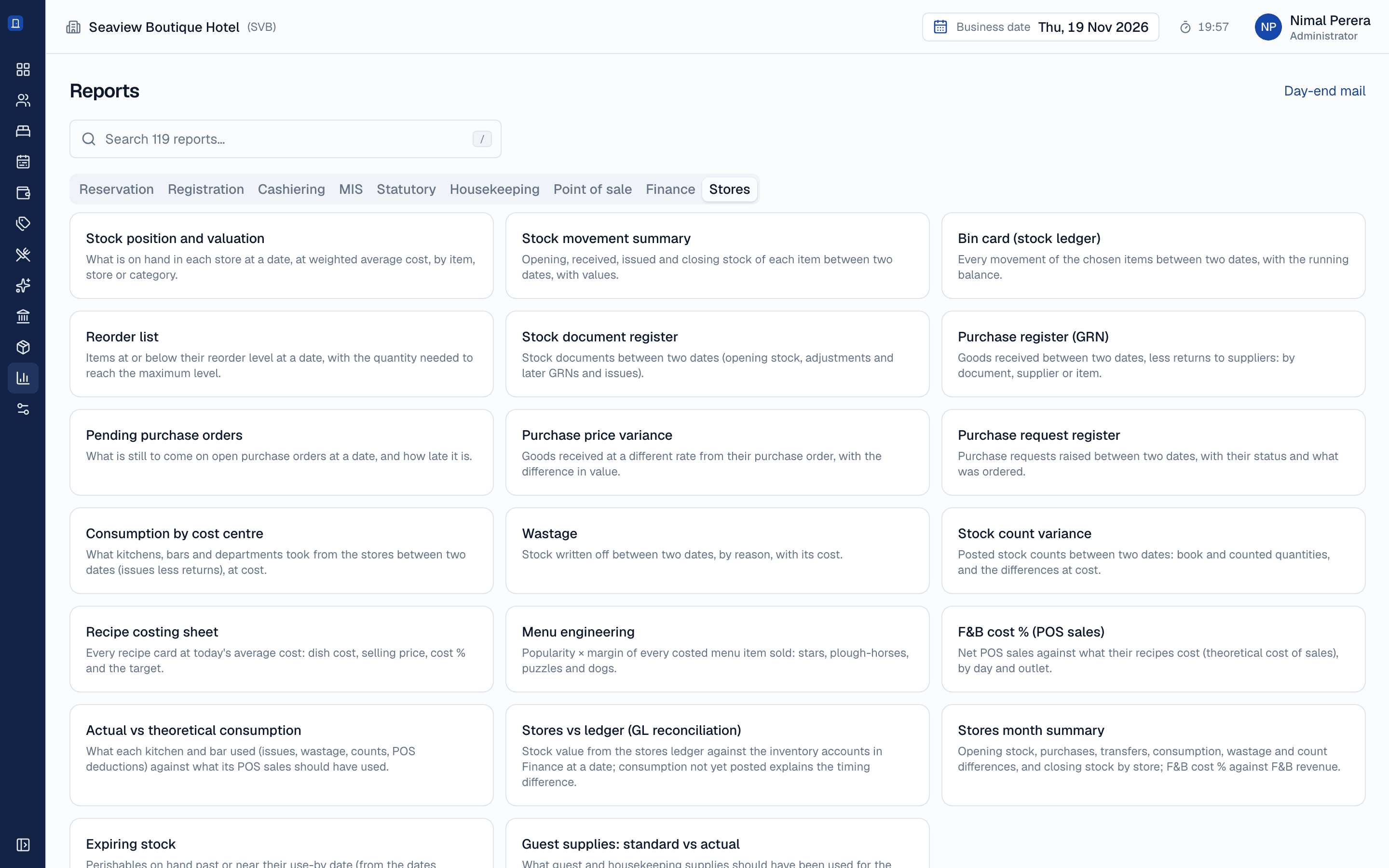
20 stores reports
Valuation, purchases, price variance, consumption, expiry and more.
Stores: questions
Can we start without purchase orders?
Yes. Choose GRN only, order then GRN, or request, order and GRN in Stores settings, and change it later.
Can we import from QuickBooks?
Yes, from its exported Item List or Inventory Valuation (Excel, CSV or IIF). QuickBooks backup files (.QBB) cannot be read outside QuickBooks. There is also a StayDesk template.
How is stock valued?
At weighted average cost, per item and store.
Run your whole property on one system
Book a 30-minute walkthrough tailored to your rooms, outlets and taxes.
Book a demo