Front office
A front desk that keeps up with the day
See every room and every booking on one grid, check guests in with a deposit in one step, and check them out with the bill settled and the tax invoice printed.
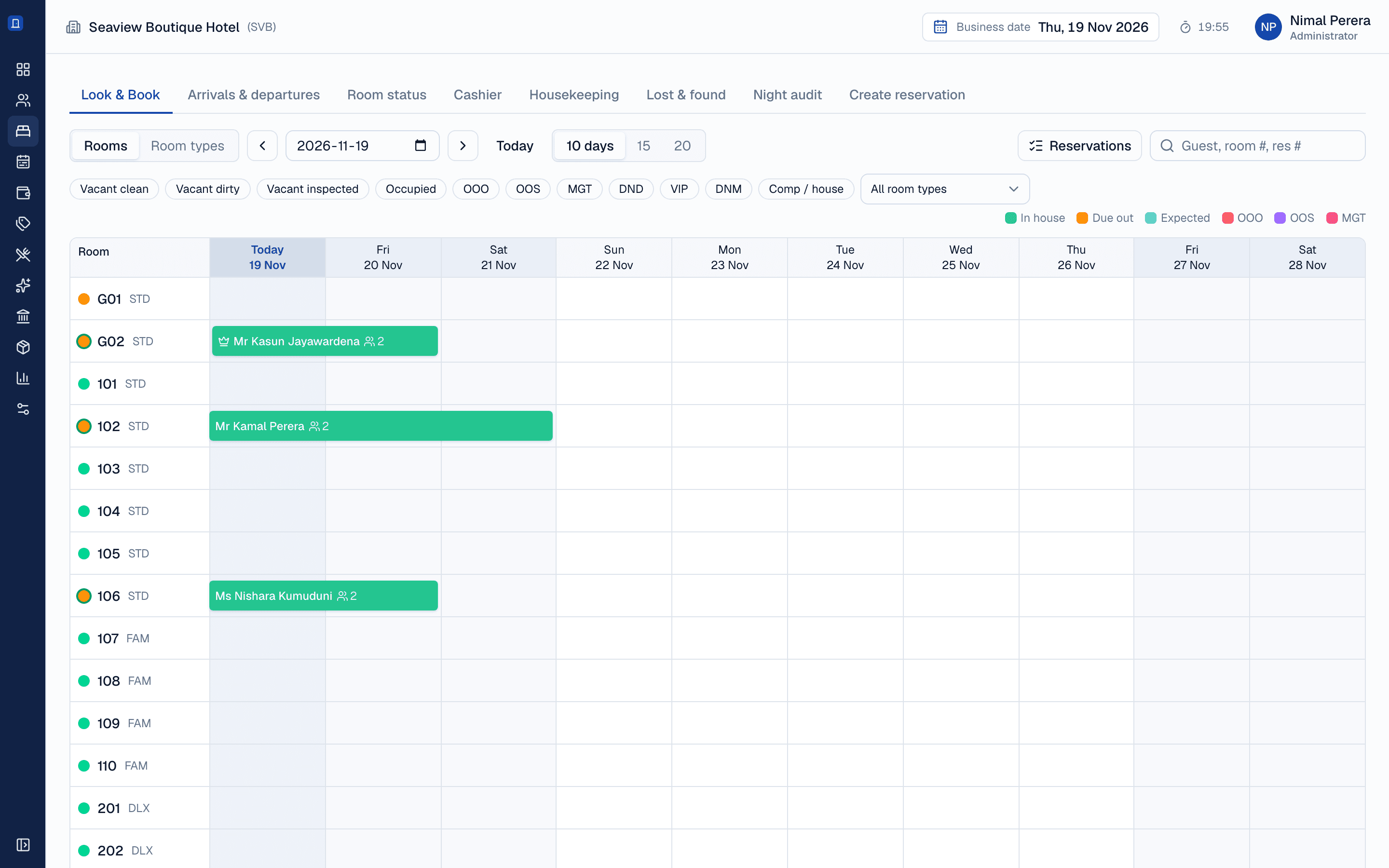
Everything for today, on one screen
Look & Book
Room-by-day bars for in-house, arriving and departing guests. Drag across empty nights to book.
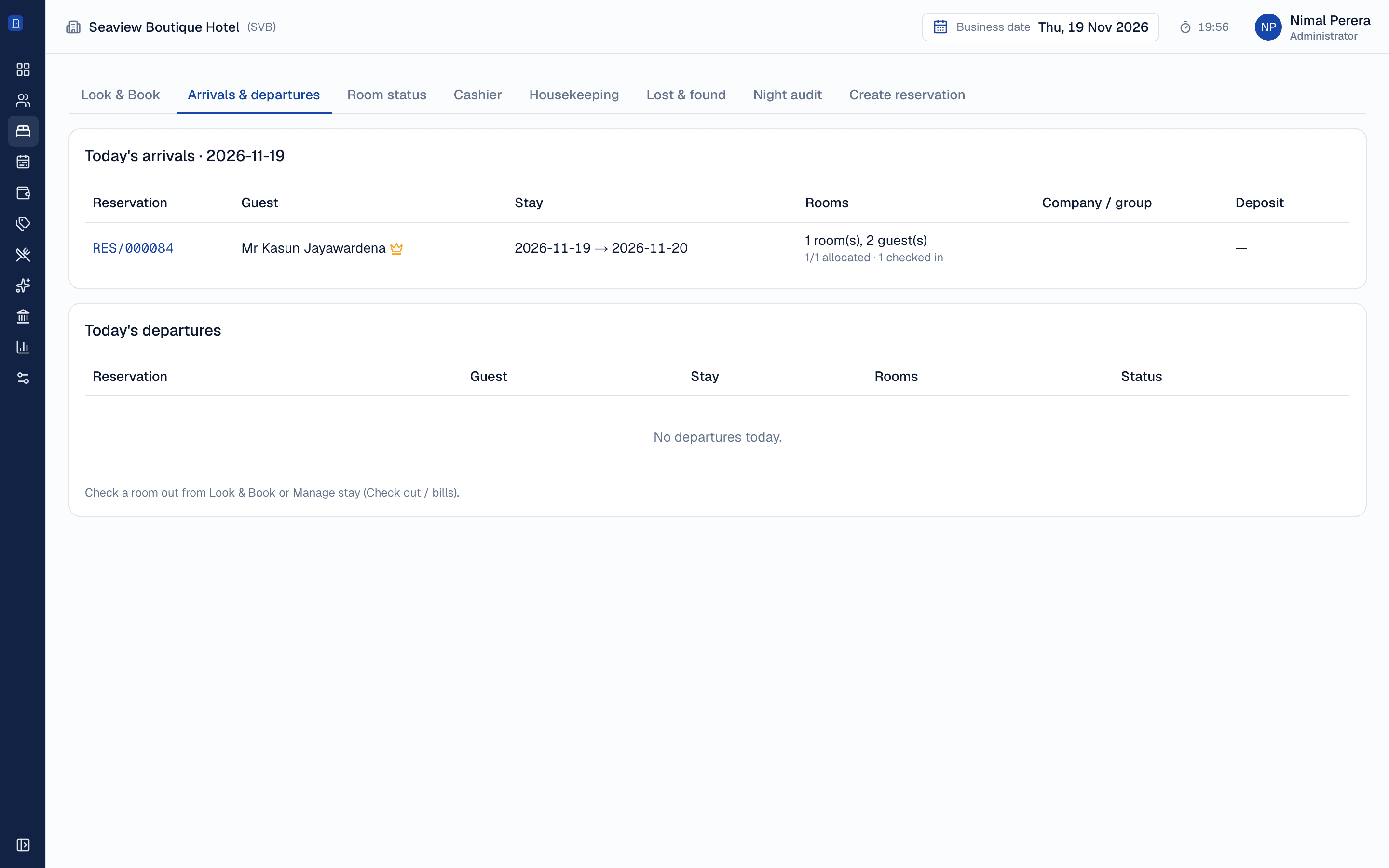
Arrivals & departures
Due-ins, due-outs and balances for the business date.
Room moves and extensions
Move a guest or extend a stay without losing folio history.
Lost & found
Log items, link them to a guest and record the return.
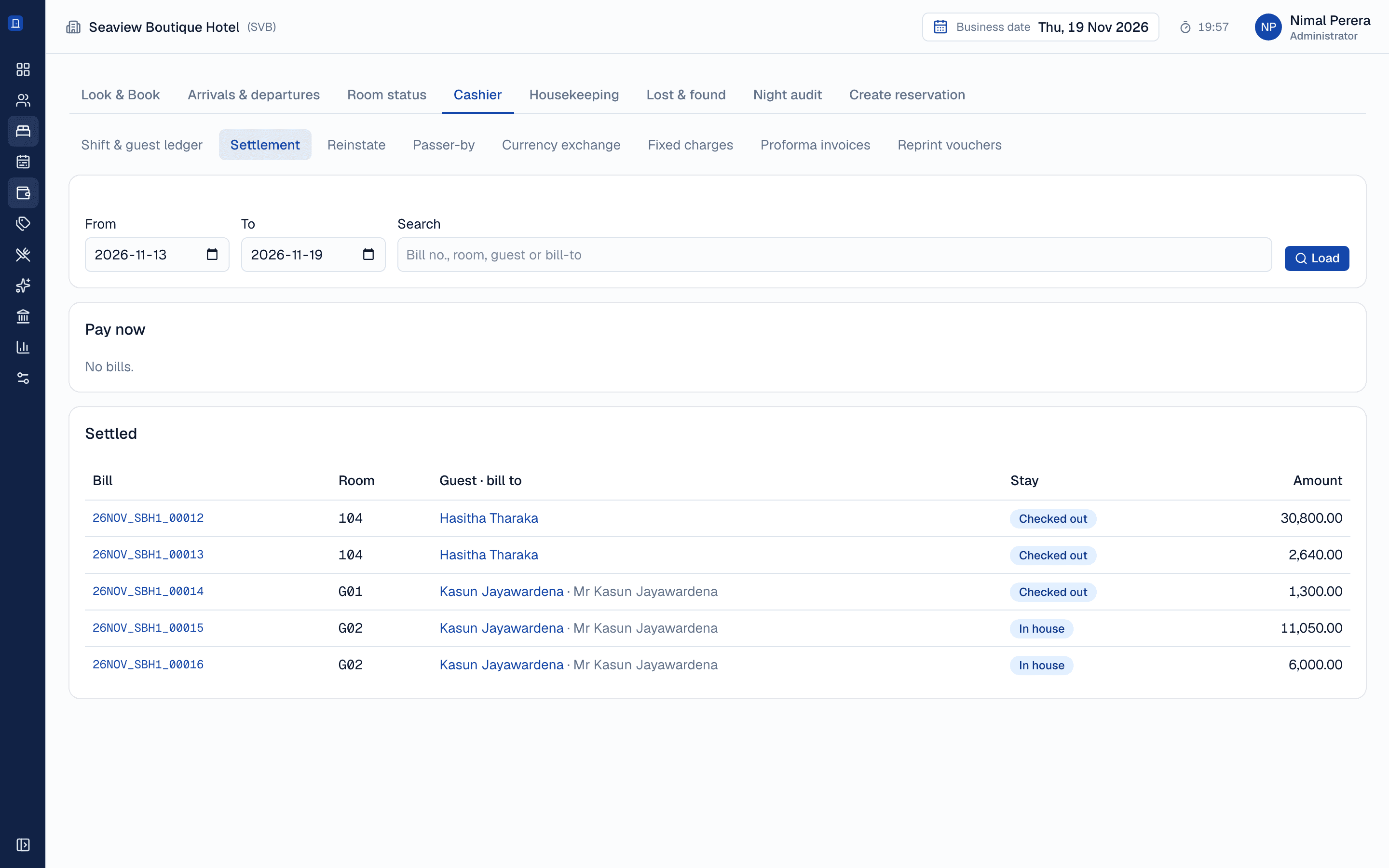
Check-out without surprises
Settlement
Settle by cash, card, bank transfer or company account, in LKR or USD.
Split and route bills
Room to the company, extras to the guest, groups to a master folio.
Tax invoices
Numbered without gaps, reprintable, and e-mailed with a thank-you note.
Front office: questions
Can I check in before the room is clean?
You can allocate the room and mark the guest as arrived; the room status shows the housekeeping state so the desk knows when to hand over the key.
Can a guest pay part in dollars and part in rupees?
Yes. Payments are recorded in the currency received at the day's exchange rate, and the bill can be printed in either currency.
Run your whole property on one system
Book a 30-minute walkthrough tailored to your rooms, outlets and taxes.
Book a demo